
MacBook Neo Guide
A Simple Mac for the Cloud Era
Apple is reportedly preparing a new entry-level laptop concept often referred to as MacBook Neo.
Instead of targeting professional users, this device would focus on something much simpler:
A lightweight Mac designed for everyday tasks.
To understand who this device is really for, let's break it down step by step.
Part 1 — What is MacBook Neo?

MacBook Neo can be best described as a simplified MacBook designed for cloud-based computing.
Think of it as Apple's version of a Chromebook.
The focus is not raw power, but convenience and accessibility.
Typical usage would include:
- Web browsing
- Watching videos or streaming
- Writing documents
- Light productivity work
- Using cloud-based apps
For people who mostly live inside the browser, a device like this can actually make a lot of sense.
Part 2 — A Computer for Everyday Tasks

The key idea behind MacBook Neo is simplicity.
It is not designed to compete with powerful laptops like MacBook Pro.
Instead, it focuses on everyday usability.
Perfect for:
- Students
- Casual home users
- People entering the Apple ecosystem
- Users who rely heavily on web apps
However, it is important to understand what this device is not meant for.
MacBook Neo would not be ideal for:
- Video editing
- 3D rendering
- Software development with heavy workloads
- Professional production work
It is a basic computer for basic tasks, and that is exactly the point.
Part 3 — The Performance Question
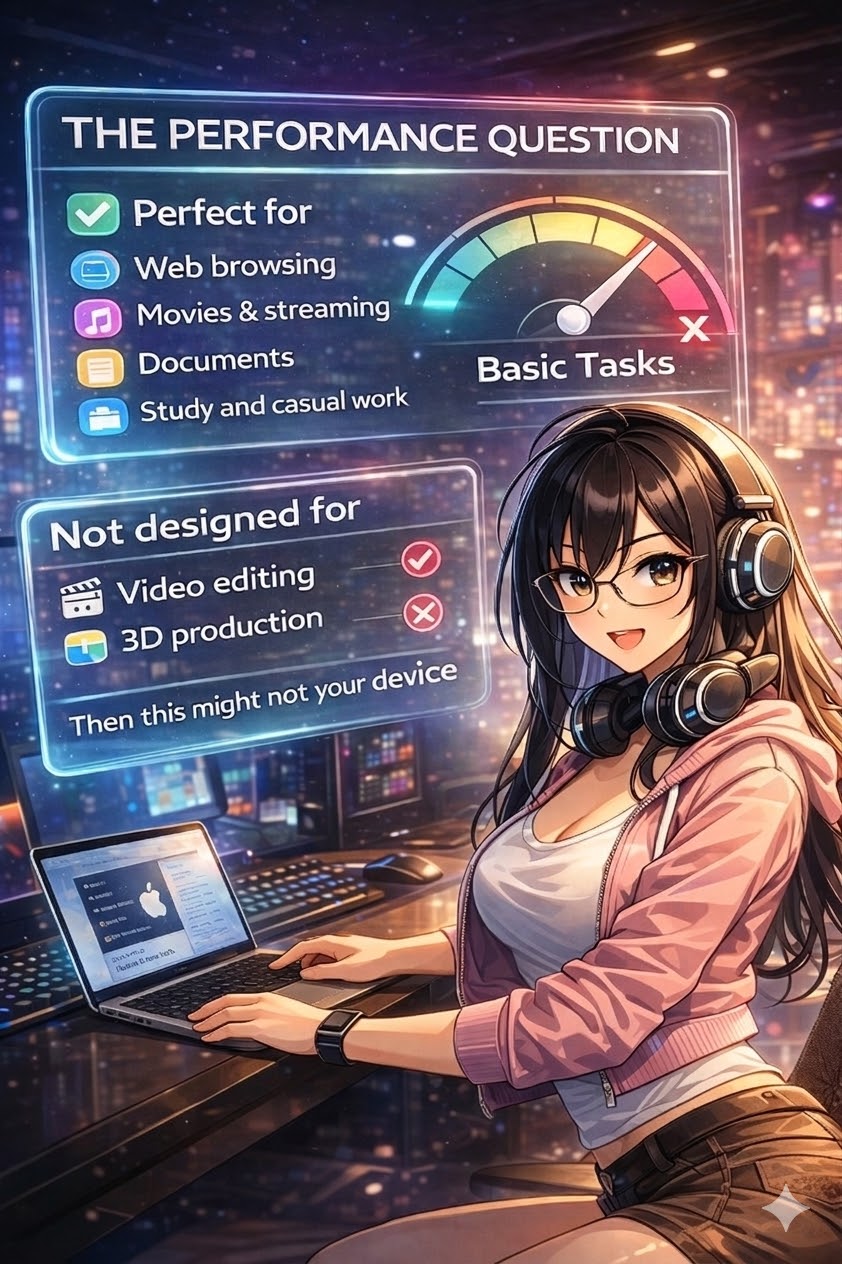
Many people immediately ask the same question when they hear about a device like this.
“Is the performance good enough?”
And the honest answer is simple.
If performance is your main concern, this may not be the device you are looking for.
MacBook Neo would likely prioritize:
- efficiency
- battery life
- lightweight usage
Instead of high-end performance.
For people who mainly use web apps, office tools, and media streaming, that trade-off can actually work very well.
Part 4 — Who Is MacBook Neo For?

MacBook Neo is clearly not targeting power users.
Instead, it is designed for a very specific group of users.
Ideal users would include:
✔ Students
✔ Casual users
✔ First-time Mac buyers
✔ Cloud workflow users
But there is also a funny reality.
People who watch tech reviews on launch day are usually not the target audience for devices like this.
Those users typically want something much more powerful.
Hidden Tip — The Real Value Choice

Here is a small secret many tech enthusiasts already know.
Right now, one of the best value laptops in the Apple ecosystem might not be a new device at all.
Instead, it could be a used MacBook Pro with the M1 Pro chip.
Even today, that machine still offers:
- excellent CPU performance
- strong GPU capability
- great battery life
- premium build quality
In many markets, used models are available for a price similar to what an entry-level MacBook Neo might cost.
But buying used devices always comes with risks.
Important Things to Check When Buying a Used MacBook
Before purchasing a second-hand MacBook, make sure to inspect these key components.
Battery Condition
Battery wear is normal, but heavy degradation can affect usability.
Check:
- battery cycle count
- battery health percentage
Typical replacement cost:
Apple official service
≈ $200–$250
Third-party repair shops
≈ $120–$180
Display Condition
The display is the most expensive component on a MacBook.
Look for:
- brightness uniformity issues
- dead pixels
- screen pressure marks
- backlight problems
Display replacement cost:
Apple official repair
≈ $600–$800
Third-party repair
≈ $350–$500
Hidden Internal Issues
Also check for signs of:
- liquid damage
- replaced non-original parts
- keyboard issues
- thermal throttling
These problems can be difficult to detect without careful inspection.
Final Thoughts
MacBook Neo could become a very interesting product if Apple positions it correctly.
For basic users, a simple and affordable Mac could be a great entry point into the ecosystem.
But for power users, there may already be a better option.
Sometimes, the smartest purchase is not the newest product.
It is the one that gives you the most value for your money.
Hope this guide helps you make a smarter tech decision.
'PC 및 IT관련.' 카테고리의 다른 글
| 2026 03 06 데일리 테크뉴스 (오후11시 까지 자료 모음) (0) | 2026.03.06 |
|---|---|
| 2026 03 06 데일리 테크 뉴스 모음 (오후 1시까지 자료) (0) | 2026.03.06 |
| iPhone 17 vs 15 Pro 연운 실기 영상 (FPS, Heat & Battery Test) (0) | 2026.03.06 |
| 데일리 2026 03 06 // iT 및 테크 뉴스 및 이슈 (0) | 2026.03.06 |
| How to Read GPU Generations & Tiers: A Beginner's Guide (0) | 2026.03.01 |